
How to prepare your photo QR 48 hours before the event
A short checklist to test the path, print the materials, and arrive on the day without improvising.

Émile Leroux
4 min read
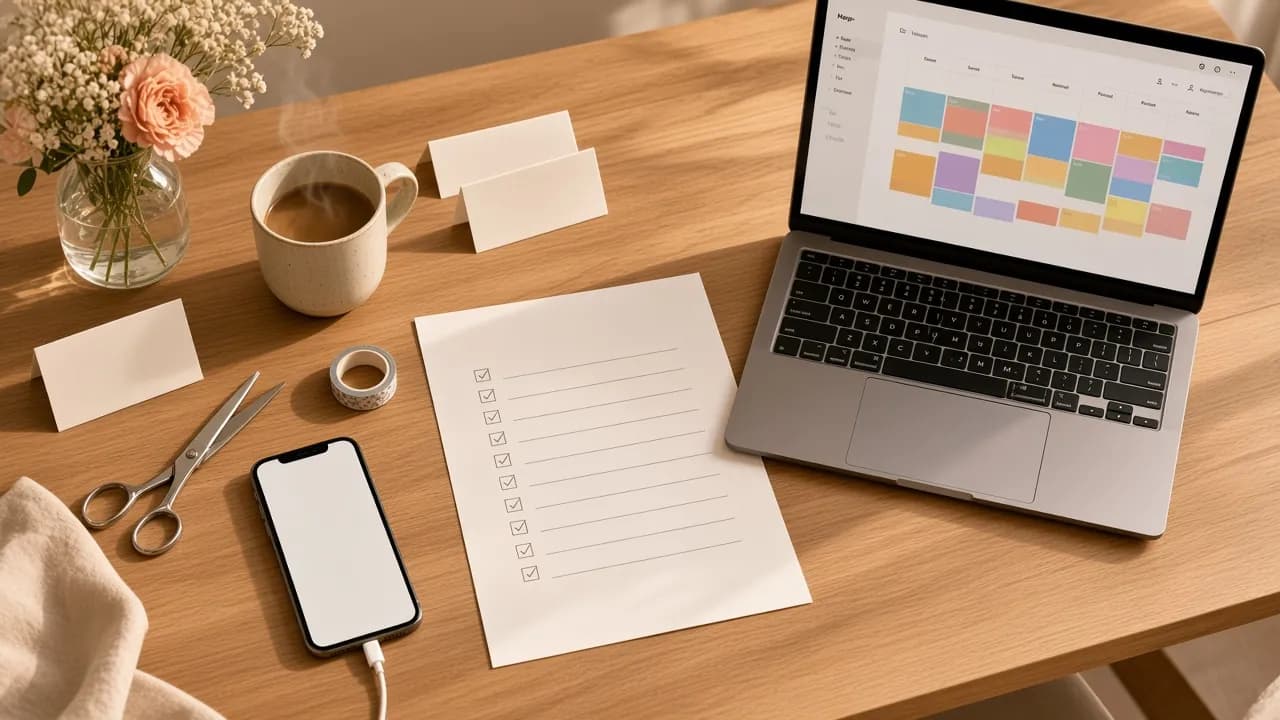
Forty eight hours before the event, you do not need a complicated strategy. You need a short plan you can check point by point, even if the day runs long.
A real test, printouts, one sentence, clear roles: on the day, you are no longer making it up. You carry out the plan.
Why the 48 hours matter
On the day, you will be busy. The guests will be too. If the QR is not tested, if the cards are not printed, if nobody knows what to say, the gallery stays empty. Often because the preparation was skipped, not because the tool is hard.
The forty eight hours before are the last window where you can fix things without stress.
Step 1: test the path the way a guest would
Open the public link on an iPhone and on an Android. Send a photo from the camera roll. Also send a short video if you plan to accept them. Check that it shows up in the gallery and, if you use it, on the live wall.
If something gets stuck for you, it will get stuck for everyone.
Quick checklist:
- The link opens with no account.
- The file picker accepts photo and video.
- The upload finishes.
- The media is visible on the host side.
Step 2: print the materials (several, not one)
A single poster at the entrance disappears in the flow of arrivals. Prepare at least three formats:
- A readable poster near the entrance.
- Cards on the tables.
- A piece near the bar or the buffet.
Print one extra copy. Losses, stains, and things getting moved are part of the evening.
Step 3: lock one sentence
Guests do not need a speech. One sentence, always the same:
"Scan the QR to add your photos to the gallery. Nothing to install."
Write it on your phone. Stick it near the mic. Give it to the DJ or to the person who will open the meal. One wording is worth more than three different versions.
Step 4: assign the roles
Even for a small event, make clear who does what:
- Who places the cards on the tables.
- Who says the sentence at the right moment.
- Who turns on the live wall, if there is one.
- Who answers if someone asks "do I need an app?".
Without roles, everyone assumes someone else is handling it.
Step 5: prepare the next day's follow up
A lot of photos stay on phones after the party. Prepare the follow up message now (text message, Messenger, or email) with the same link. You will send it the next day, when people are calmer.
With Komos, an automatic host email the next day helps with that follow up. Even without automation, a simple message is enough.
What not to do two days before
- Change the public link at the last moment without printing again.
- Test only on your own phone.
- Count on "we will explain it on site".
- Print a QR too small to scan at arm's length.
- Forget the charger for the live wall screen.
Checklist for the 48 hours
Two days before
- Test iPhone and Android.
- Confirm the gallery and the live wall.
- Start the printing.
The day before
- Keep the materials in one place.
- Confirm the single sentence with the person on the mic.
- Write the next day's follow up message.
- Charge the computer or the box that feeds the screen.
Morning of the day
- Place the materials before the guests arrive.
- Do one last test scan.
- Turn on the live wall if you planned one.
In summary
Preparing the QR forty eight hours ahead means taking the improvisation out of the moment when you will have the least mental bandwidth.
Test. Print. Lock the sentence. Assign the roles. Prepare the follow up. On the day, you point at the QR and let the guests do the rest.