
An online photo gallery with a QR code
An online photo gallery opened by QR can show files or receive them. For a party, the page has to let guests send from their phones.

Émile Leroux
4 min read
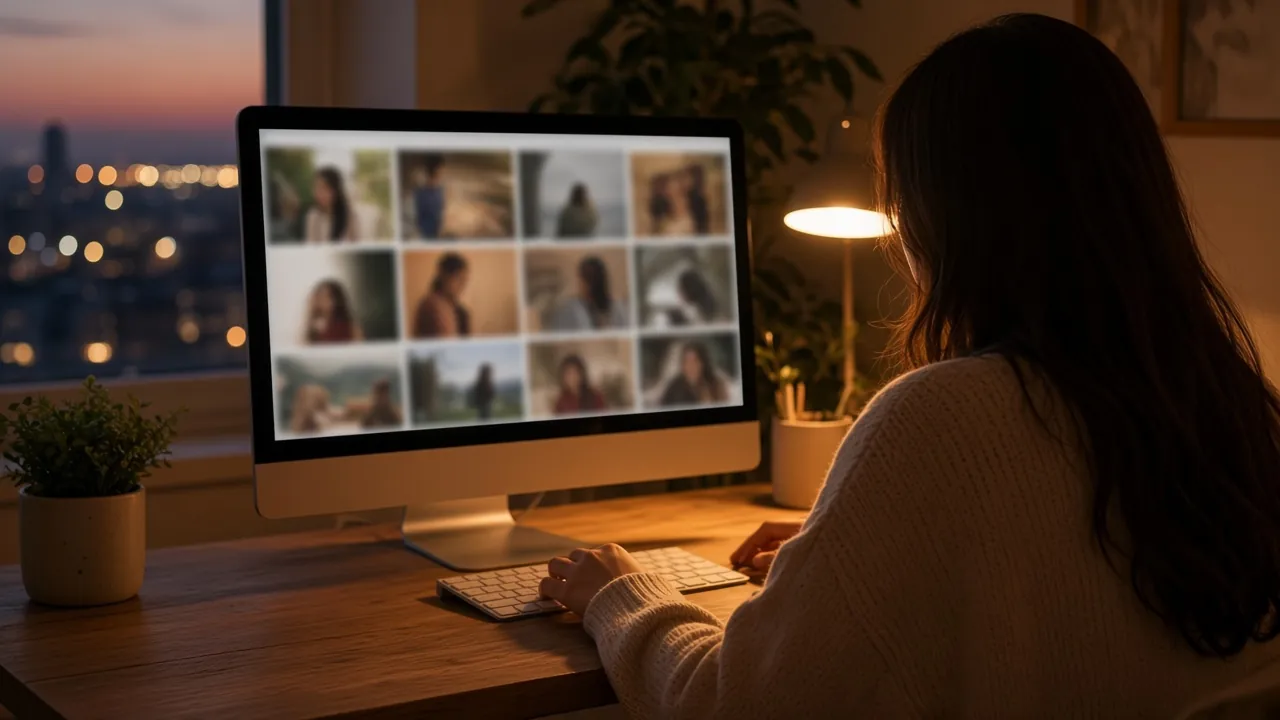
An online photo gallery with a QR code is a web page. The square only leads there. Depending on the page, visitors look at your files, or they add their own. Choosing that link is covered in a QR code for photos. This page is about the gallery that receives files.
Searches like "QR code for photo online free" often land on the first case: you upload, you share a link, other people browse. For a party, you need the second.
Three pages that look alike on a screen
- A display page. You put the photographer's photos there, or your own. Guests look. They do not send table 7.
- A regular shared folder. Sometimes it wants an account, sometimes a permission nobody can find. On a phone, in the middle of a speech, that is too many steps.
- An event page. The scan opens the upload. The gallery updates. You see everything in one place, including from a computer the next day.
The third model is the one that answers "I want the room's photos without asking for them one by one".
What "online" changes for you
You do not have to plug in a cable or walk table to table with AirDrop. Files arrive as long as the page accepts uploads. You can look at them on your phone during the night, or on a large screen if you turn on the live wall.
The next day, the same address is still there. You do not rebuild a gallery out of screenshots.
Komos hosts that page with the event. During the trial, the gallery is already online, within 15 media and one guest who uploads. Unlocking (85 CAD, once) lifts that cap for party, wedding, or meeting use. The ZIP then gives you the originals, not only a preview in the browser.
Putting the gallery in circulation
- Copy the link and generate the QR before you print.
- Open the page on a phone that is not yours.
- Send a photo. Check that it shows up in the gallery.
- Print the QR. Add one sentence: "Scan to add your photos."
- The next day, send the link to people who still have files on their camera roll.
If you only want to show photos you already picked, a QR to that selection is enough. Say so plainly, so nobody waits for a place to drop their own.
From the gallery to a printed album
A QR tucked into a card can open an album you already built. People look, they smile, they close the page. Nothing new arrives. The useful QR on the day opens the gallery that is still live, the one guests add to. The album you hold later is built from that copy.
- Before the party, the QR points at the upload page. The gallery can be empty.
- During the night, guests send. You can hide a file, or delete it.
- The next day, you send the same link again. A second wave often shows up then.
- When uploads slow down, you close them. The gallery can stay visible.
- You download a complete copy, then you choose what goes into the printed album.
Picking twenty pages out of a large set is editing. It is simpler once the copy is saved. Chasing missing files is a different job.
A guest message can ride along with an upload, if you leave the guestbook open. Exporting those messages, as CSV or PDF, also waits until unlock. The photo album and the guestbook stay two objects. You do not have to use both.
Keep the same link from the card on the table to the album you will build later. A messaging thread often compresses the files: start from the ZIP for print.
What not to do
- Pick a free online gallery that does not allow guest uploads, then put its QR on the tables.
- Ask each person to sign up in order to see three photos.
- Let the page expire before you have downloaded a copy.
- Treat the browser as your only archive. A copy of your own (ZIP or disk) is the habit that holds.
- Publish a finished album and hope guests will add to it when no upload page exists.
- Start the printed edit before you have a complete copy.
In summary
An online photo gallery opened by QR is useful on the day if guests can send files there with no account. The free trial is for seeing that happen. The complete copy is downloaded once the event is unlocked. The printed album comes after.
Create an event to watch the gallery fill, or see pricing: 85 CAD, once.