
A QR code for a photo booth: what it does
A photo booth QR often delivers the session just taken. The room's QR collects the other phones. They do not do the same job.

Émile Leroux
3 min read
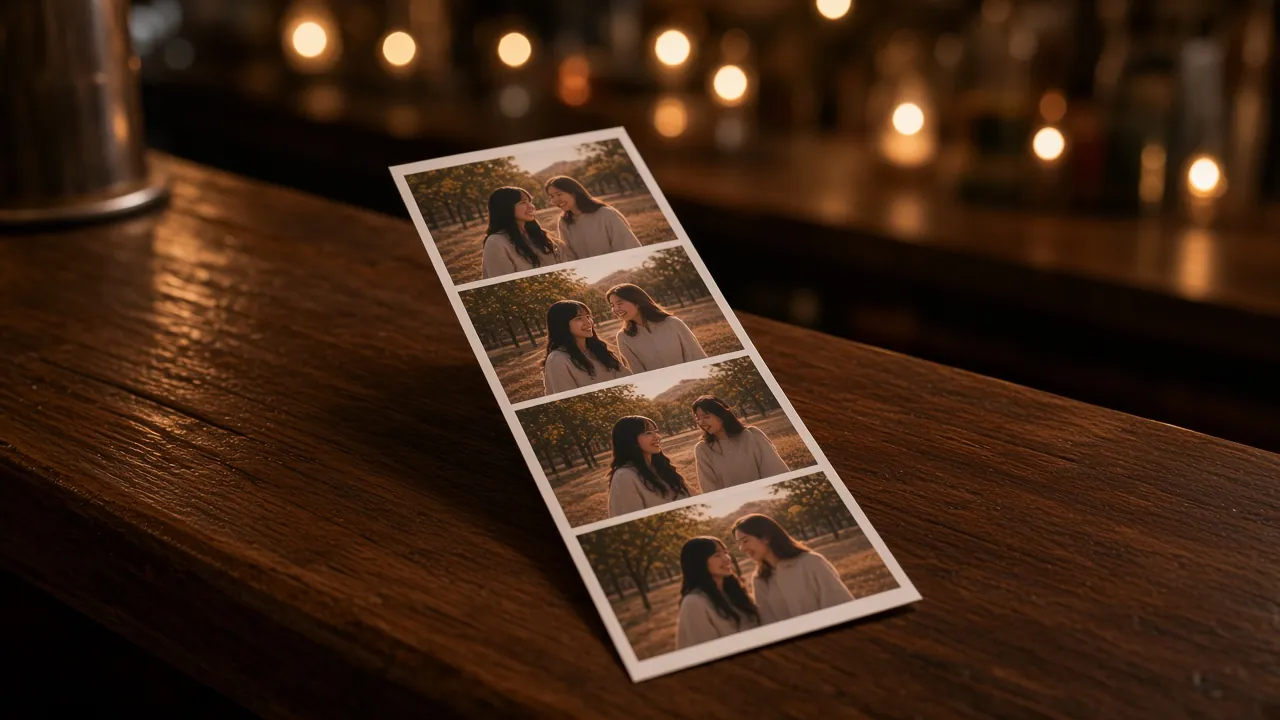
A QR code for a photo booth answers a narrow question first: how the person leaving the booth goes home with those photos. Often a card or a screen shows a QR. The phone opens it. The session (the strip, the GIF, sometimes a video) downloads.
That QR does not see the rest of the party. It does not receive the photo taken at the table, or the speech filmed from the back.
What the booth QR covers
Depending on the operator, the path looks like this:
- The session is taken on the booth.
- A QR, sometimes unique to that session, shows on screen or prints.
- The guest scans and gets their files, right away or through a link sent later.
- The host sometimes receives a folder of every session, depending on the contract.
Details change from one vendor to another. The question to ask before you sign is simple: do I receive all the sessions, in what quality, and how long does the link stay open.
Komos does not stand in for that booth. No strip printing on site, no booth software. If you rent a photo booth, its QR stays its own.
What the room captures on top
Around the booth, phones keep going. The lineup, the people who do not want to pose, the cake, the parking lot. Those files never pass through the booth.
A second QR, the event one, opens a page where any guest sends from their camera roll. No app. The gallery gathers what the booth did not see.
You can announce both without mixing them:
- "The booth QR is for your booth photos."
- "The QR on the tables is for adding the other photos to the gallery."
One sentence each. Not a speech.
Before you count on both
- Ask for a demo of the booth QR, on your phone.
- Test the room QR on an iPhone and on an Android.
- Check that the two addresses are different, so nobody lands on the wrong page.
- Decide who keeps the prints and who notices if the table cards are gone halfway through the night.
The Komos trial (15 media, one guest who uploads) is for checking the room's page. Unlocking at 85 CAD covers guest collection for the party. It does not pay for the booth rental.
What not to do
- Put the booth QR on every table and expect every phone in the room.
- Assume the operator will send originals if the contract does not say so.
- Give one vague line, "scan the QR for the photos", when two QR codes are in circulation.
- Skip a copy of your own. The guest gallery exports as a ZIP once the event is unlocked. The booth folder follows the vendor's contract.
In summary
The photo booth QR delivers the booth session. The room QR receives the rest of the phones. You can have both, as long as you say out loud which one is which.