
How to upload a photo with a QR code (for guests)
From the scan to the gallery: the steps for a guest to upload a photo or a video with a QR code, with no account.

Émile Leroux
3 min read
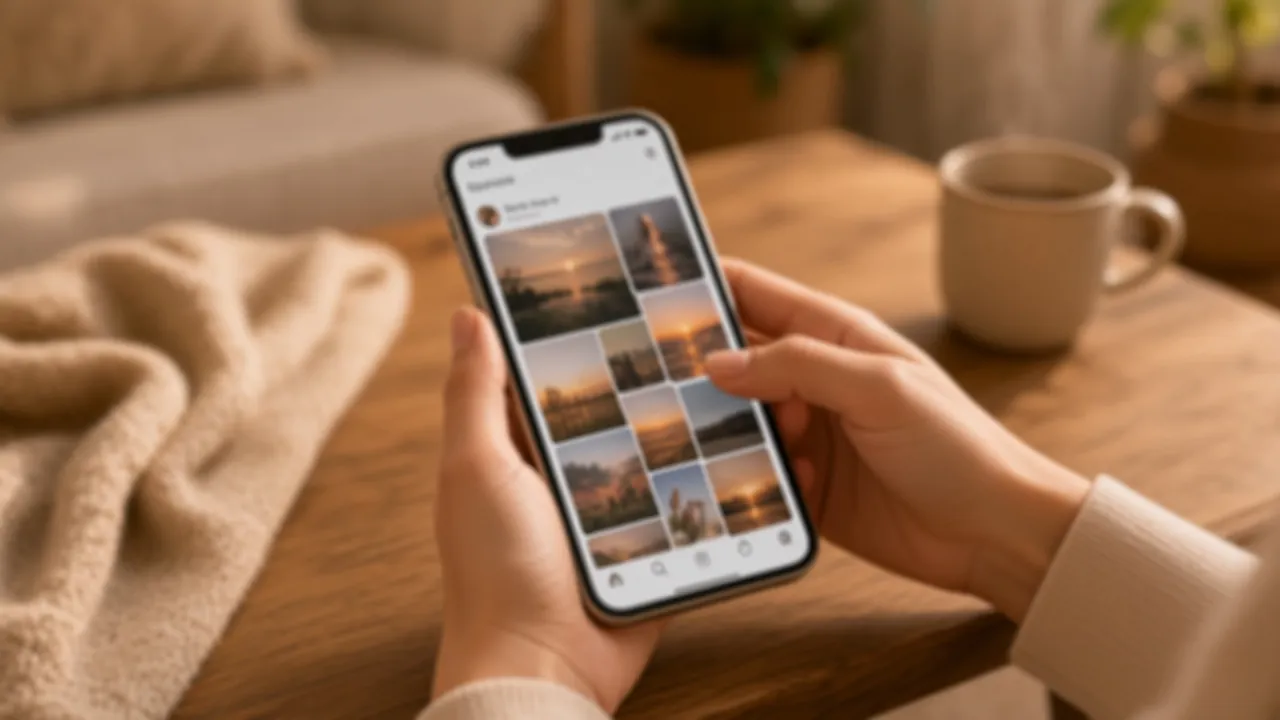
Uploading a photo with a QR code is a few gestures, as long as the page behind the square is an upload page. If the QR only opens a picture already online, the guest can look. They cannot add their own.
Here is the path from the guest's side. The link, the print, and the trial are set up in a QR code for photos. If the phone shows no link, see how to scan a photo QR code.
The gestures, in order
- Open the phone's camera. Not an app downloaded for the occasion.
- Aim at the QR, at a distance where the square is sharp. Tap the link that appears.
- The event page opens in the browser. No account.
- Pick a photo or a video. The phone's picker offers the camera roll. You can also take a new photo in the moment.
- Send. The file goes straight to the event storage. The gallery updates.
A name can be offered. It stays optional. So does a guestbook message, if you turned that on. Neither one should stand in front of the file picker like a closed door.
On iPhone and on Android, the page is the same. The differences are in the camera that detects the QR, not in a separate manual.
What you check as the host
Before you print for everyone:
- Send a photo from your camera roll.
- Send a short video, if you plan to accept them.
- Open the gallery and confirm both show up.
- If something blocks for you, it will block in the room.
During the night, you can hide an upload or delete it. Hiding removes it from the visible gallery. Deleting removes it for good, after you confirm. On the day, read that confirmation: a rushed gesture does not undo itself.
The trial accepts 15 media and a single guest who uploads. Past that, the page blocks until unlock (85 CAD, once). If you know the party will pass that, unlock beforehand, so the first real upload from a second guest does not hit a wall.
After the upload
The guest does not have to stay on the page. You find the file in the gallery, and later in the ZIP of the originals if the event is unlocked. You do not have to ask them for the photo again by message, unless the upload never happened.
The next day, the same QR and the same link work for photos taken late, the ones people did not send in the moment.
What not to do
- Put a long form before the file picker.
- Force a "guest" account with a password.
- Accept only photos taken in the moment, and block the camera roll. A large share of the memories is already on the phone.
- Change the QR after the test. The test has to use the link you will print.
In summary
A QR code for photo upload opens a page, the guest picks a file, the upload finishes, the gallery shows it. Walk that loop once on two kinds of phones. After that, guests do not need a long explanation.
Create an event or see pricing: 85 CAD, once.