
How to scan a photo QR code with your phone
Scanning a photo QR code uses the phone camera. What to do when the link does not appear, and why a scanner app from an ad is rarely needed.

Émile Leroux
3 min read
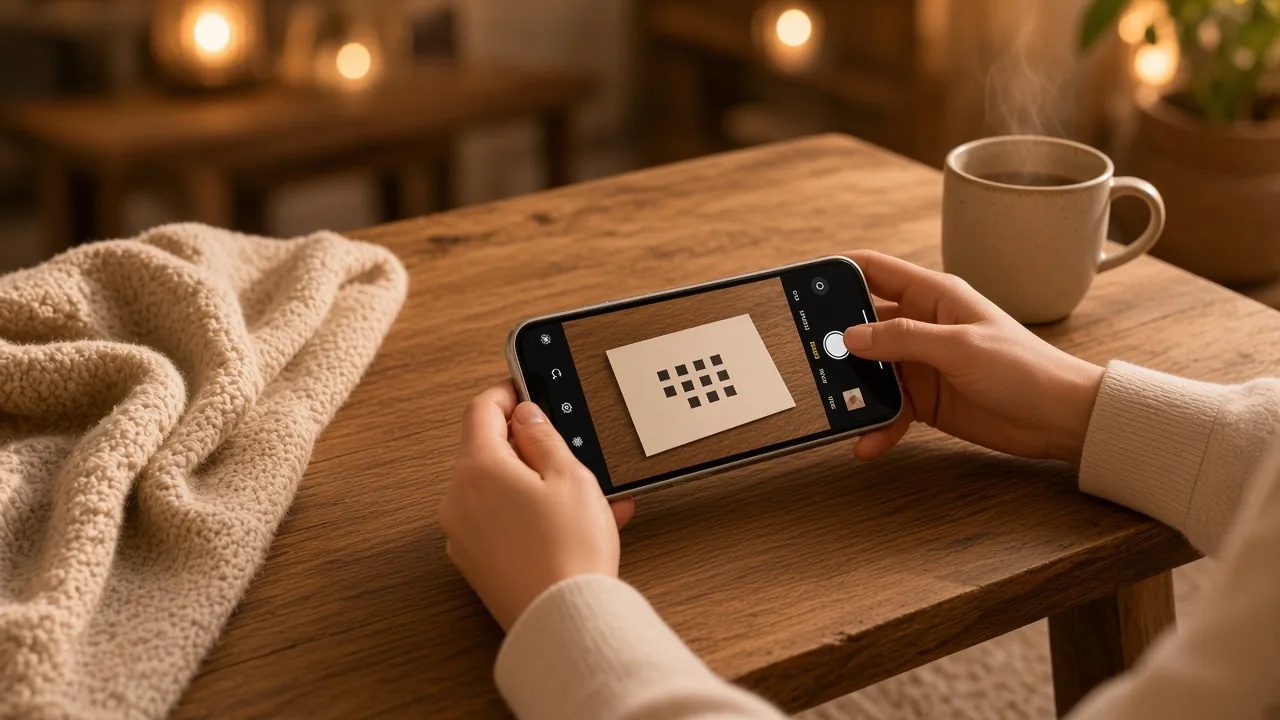
Scanning a photo QR code uses the phone camera. You aim at the square. A link appears. You tap it. The page opens, whether it shows a gallery or lets you send a photo.
You do not have to "take a photo" of the QR for it to work. The scan is a live detection.
On iPhone
- Open the Camera app.
- Hold the phone at a distance where the square is sharp, often around a hand's span, farther if the QR is large.
- A banner with the link appears. Tap it.
- The page opens in the browser.
If nothing shows, check Settings, then Camera, and confirm QR code detection is on. Then go back to the camera. You do not need another app.
On Android
On most recent phones, the camera detects the QR on its own, or after you tap a small scan icon on the camera screen.
If the camera does nothing:
- Look for "QR code" in the camera settings.
- Otherwise open Lens, often already on the phone, and aim at the square.
- Skip "QR scanner" apps that arrived through an ad. They often ask for permissions they do not need.
The page that opens next is the same as on iPhone, if the QR points to the same place.
When the scan fails
- The square is too small for the distance. Move closer, or ask for a larger print.
- Contrast is weak: grey on beige, or pale yellow on white. A dark QR on a light background reads more reliably.
- The paper is glossy and a lamp throws a glare. Tilt the card slightly.
- The blank margin around the square is missing, or a crease cuts a corner.
- You are trying to scan a QR shown on another screen with the brightness down. Raise the brightness and avoid the reflection.
A damaged or blurry code is not fixed by another app. It gets reprinted.
If the QR leads to event photos
Once the page is open, there are two cases. You are looking at a gallery. Or you can send your own photos, if the host set up an upload page. In that second case, you pick a file from your camera roll and send. No account to create for a Komos event.
If someone texted you a picture of the card instead of the link, scanning from an image is a different gesture. The live camera, in front of the paper, stays the simpler path when the card is in the room.
What not to do
- Download a random scanner for a QR printed in front of you.
- Photograph the square "for later" when you can open the link now.
- Hold the phone so close that the square goes blurry.
- Cover a corner of the QR with a finger.
In summary
To scan a photo QR code, open the camera, aim, tap the link. If nothing appears, fix the light, the size, and the contrast before you look for another app.
Two narrower pages: a photo QR code on iPhone and Android, and do you need an app for a photo QR code. The event page itself is in a QR code for photos.
Create an event and scan a test card, or see pricing: 85 CAD, once.