
A wedding sign for the photo QR
A wedding photo QR sign is readable at eye height, with one short sentence. The table cards carry the same address.

Émile Leroux
3 min read
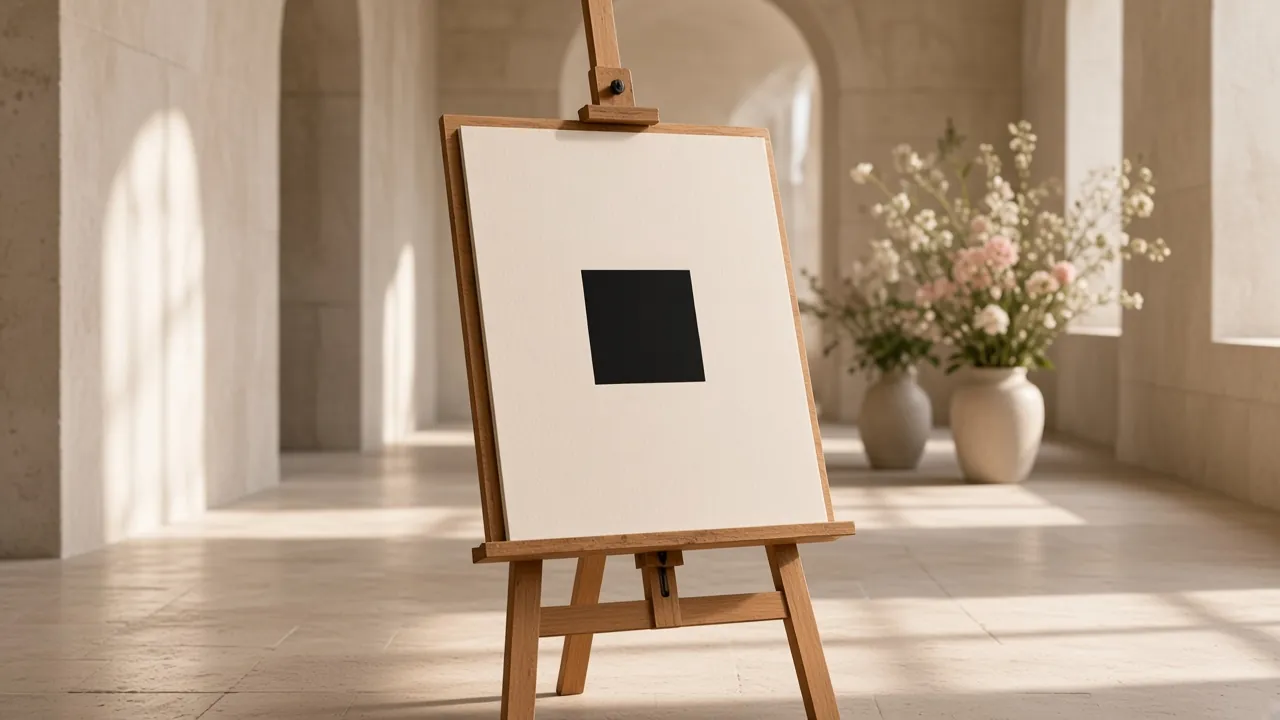
A wedding photo QR sign is a three second instruction. Guests see the square, they read one sentence, they scan. If it needs a paragraph, the sign has already lost to the noise in the room.
The same link has to show up on the tables. The entrance catches arrivals. The table catches the moment when people have time to send. That link is the QR code for wedding photos.
What to write
One sentence, not a speech:
"Scan to add your photos. Nothing to install."
The couple's names or the title of the day can sit above, small. The QR and the sentence do the work. Skip "download our app", "create an account", or three numbered steps nobody will read while standing.
If two QR codes exist (a booth on one side, the guest gallery on the other), the sign has to say which is which. "Booth photos" and "your photos from the night" are enough.
Size and reading
- The square scans at arm's length, without the guest touching the phone to it. On an A4 sign, give it a generous share of the page.
- Keep a clear margin around the QR. A decorative frame that touches the square makes it unreadable.
- Dark on light. A pale QR on a busy photo background often fails.
- Matte paper. Gloss throws the room's spotlights back.
- Eye height near the entrance, not at the floor and not above a door.
- On the tables, a smaller card, same address, placed where a lamp or the room light reaches it.
Print one copy, scan it in the real room, then run the rest. A test on your desk does not show a ceiling light's glare. Once people are seated, the gesture is in scanning the photo QR during a wedding. Margin, contrast, and paper, in more detail: how to print a QR code for photos.
Where the file comes from
Once the Komos event is online, you can download the QR as PNG or SVG and place it on your own cards. The A4 PDF sign, already laid out, downloads after unlock (85 CAD, once).
You do not need a stack of templates. One readable sign and cards that repeat the link beat ten different layouts.
Test the file before the final print: open the PDF or the PNG, scan, send a photo, check the gallery. If you change the link after that, everything has to be printed again.
What not to do
- A single sign, in a coat room where people do not stop.
- A tiny QR on the back of the menu, with no sentence.
- Change the address after the printer has the file.
- Ask the sign to explain parking, the seating chart, and the gift as well. It has one job.
The next day, the sign is done. The link, sent by text, keeps receiving photos taken late. Komos reminds you by email.
In summary
The wedding QR sign shows a large square, one sentence, and the same address on the tables. You test it in the room, on an iPhone and an Android, before you print a stack.
Unlocking the event is on pricing.