
How to collect and keep all the photos after the event
The gallery fills up. Then: export the originals, sort them, and do not depend only on a shared link.

Émile Leroux
5 min read
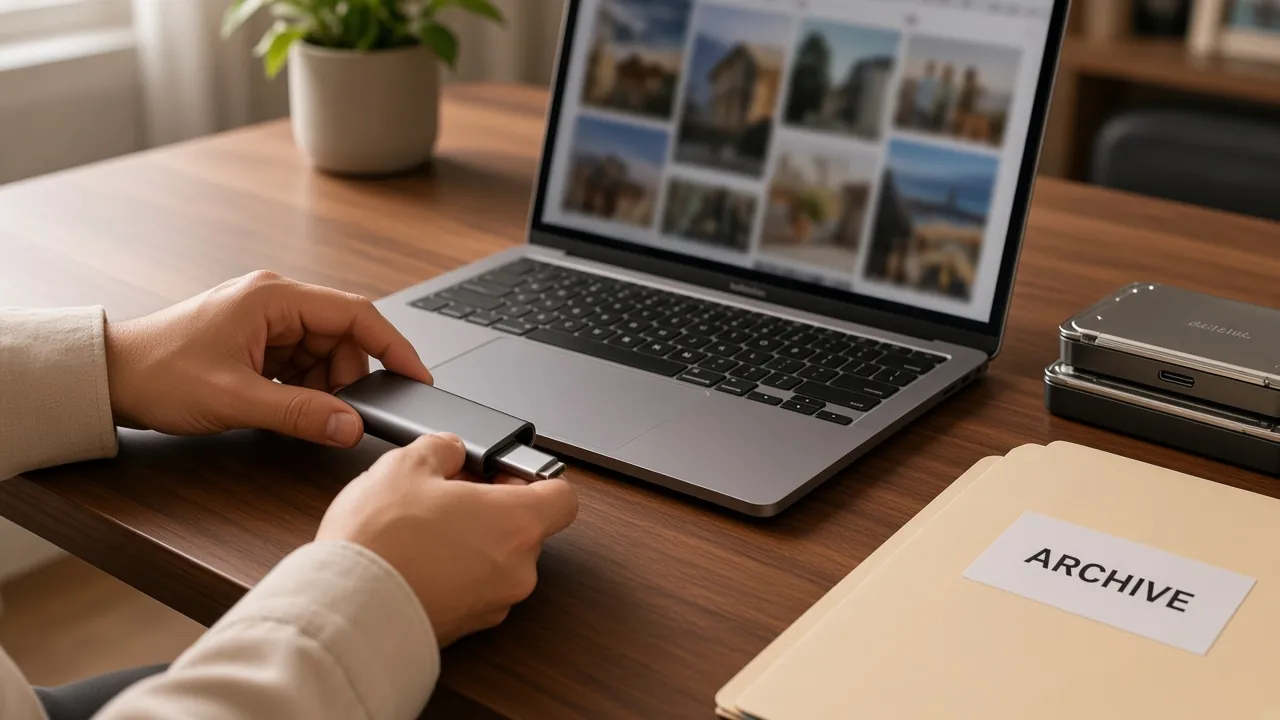
Collecting on the day is half the work. The other half: get the files back cleanly and keep them. A shared link is for looking. A copy on your drive or in your cloud is the archive.
The next morning, your head is heavy and your phone is full. It is also the moment when "we will deal with it later" does the most damage. Guests still have the photos in front of them, and you still have the context to spot what matters. Waiting two weeks dilutes the motivation. You do not need a whole day.
A simple method for leaving the event with files you control.
In one sentence
Wait for the end of the second wave, export the originals, put them away, close uploads if you want. The gallery can stay open for viewing.
Why "we will download later" often misses
After the party, life starts again. Without a concrete gesture in the days that follow:
- The link gets lost in a message thread.
- Some media stay on phones.
- You do not have a complete copy under your control.
Treat the export as a task for the weekend that follows, not as a vague project for next month.
Step 1: let the second wave arrive
Follow up the next day. Wait forty eight to seventy two hours. A lot of useful uploads arrive after the day. Exporting too early means doing it again. The short message, ready to copy, is in how to follow up with guests after the day.
When the pace slows for real, that is the right moment.
Step 2: export the originals
Once the event is paid and exports are unlocked, download the ZIP of the originals. You want the file as it was sent, for the album, the edit, the print, not a crushed version for social networks.
Check after the download:
- The ZIP opens.
- The file count matches the gallery.
- Photos and videos are actually there.
Keep one copy on your drive and, if you can, a second copy in a personal cloud.
Step 3: sort in two minutes
You do not need a perfect system. A minimal sort is enough:
- An "Official" folder for the photographer, if there is one.
- A "Guests" folder for the Komos ZIP.
- Optional: subfolders "Photos" and "Videos".
Avoid renaming a hundred files the same evening. Secure first, sort for pleasure after.
Step 4: share on purpose
Originals safe? Decide how to share:
- Gallery link for family who only want to look.
- Selected files for a paper album.
- A few favourites for a quick edit.
The full ZIP for everyone, only if you really want that. Often, a short selection travels better.
A living selection of 20
Not the final album. Twenty images that tell the evening, for close family or the team.
- Happy faces.
- One or two shots of the place.
- One strong moment: a speech, a dance, a surprise.
- One detail that feels like the party.
This selection saves you from scrolling through the raw folder for an hour. Close family can get the gallery link. A friends group, these twenty photos. On social networks, three to five images are enough, leaving out people who do not like being exposed.
Two dates in the calendar
- At day 7: close uploads if the wave is finished.
- At day 30: start the album, or the photo frame.
Without those dates, the next morning stays a good intention.
Step 5: close uploads, keep viewing
When you consider the gallery complete, close new uploads. Viewing can stay open: people close to you look at the memories again without adding files.
A stable archive, the memory still reachable.
What not to do
- Count only on the mobile browser as a "backup."
- Delete the local ZIP before you have a second copy.
- Wait six months "in case more photos still arrive."
- Mix the photographer's work and the guest uploads with no label.
- Cut off viewing too early if the family still wants to look.
Express routine, forty five minutes
- 5 min: the follow up message.
- 15 min: export or backup copy.
- 20 min: the selection of twenty photos.
- 5 min: send that selection to people close to you, then put the album date in the calendar.
The follow up can continue while you copy. Save first, share next, album later.
Short checklist after the event
- Follow up sent.
- Forty eight to seventy two hours have passed.
- Originals ZIP downloaded and opened.
- Drive copy and cloud copy.
- "Official" and "Guests" folders created.
- Uploads closed when you are ready.
In summary
Let the second wave come. Download the paid originals as a ZIP. Sort simply. Share what makes sense. Close uploads when you are ready, keep the gallery open if you want.
Komos keeps that logic: export of the originals once paid, closing uploads without cutting off viewing for people who want to see the evening again.
Read next
The ZIP of the originals unlocks on pricing.